Decor Sounds
Choose the background for your house, give each room its own atmosphere, and place sound zones around your decor.
Explore the add-on → DECOR SOUNDSSTUDIO
SOUND FOR YOUR WORLD OF WARCRAFT HOME
The fire by the hearth. Rain beyond the window. Music drifting from the next room. Give every corner of your house its own sound.
STEP INSIDE. TURN THE SOUND ON.
Your WoW home can have sounds like these. Hear how a little atmosphere brings a house to life.
Select Play to load the YouTube player. Watch on YouTube ↗
THREE PARTS. ONE SOUNDSCAPE.
Choose the background for your house, give each room its own atmosphere, and place sound zones around your decor.
Explore the add-on →The included sounds are just the beginning. Discover more through Freesound and OpenGameArt, preview your favourites and build a collection that feels like home.
Get to know Studio →Discover public soundscapes and manage your own builds. Share a link; visitors install the settings and sounds locally.
Learn to publish →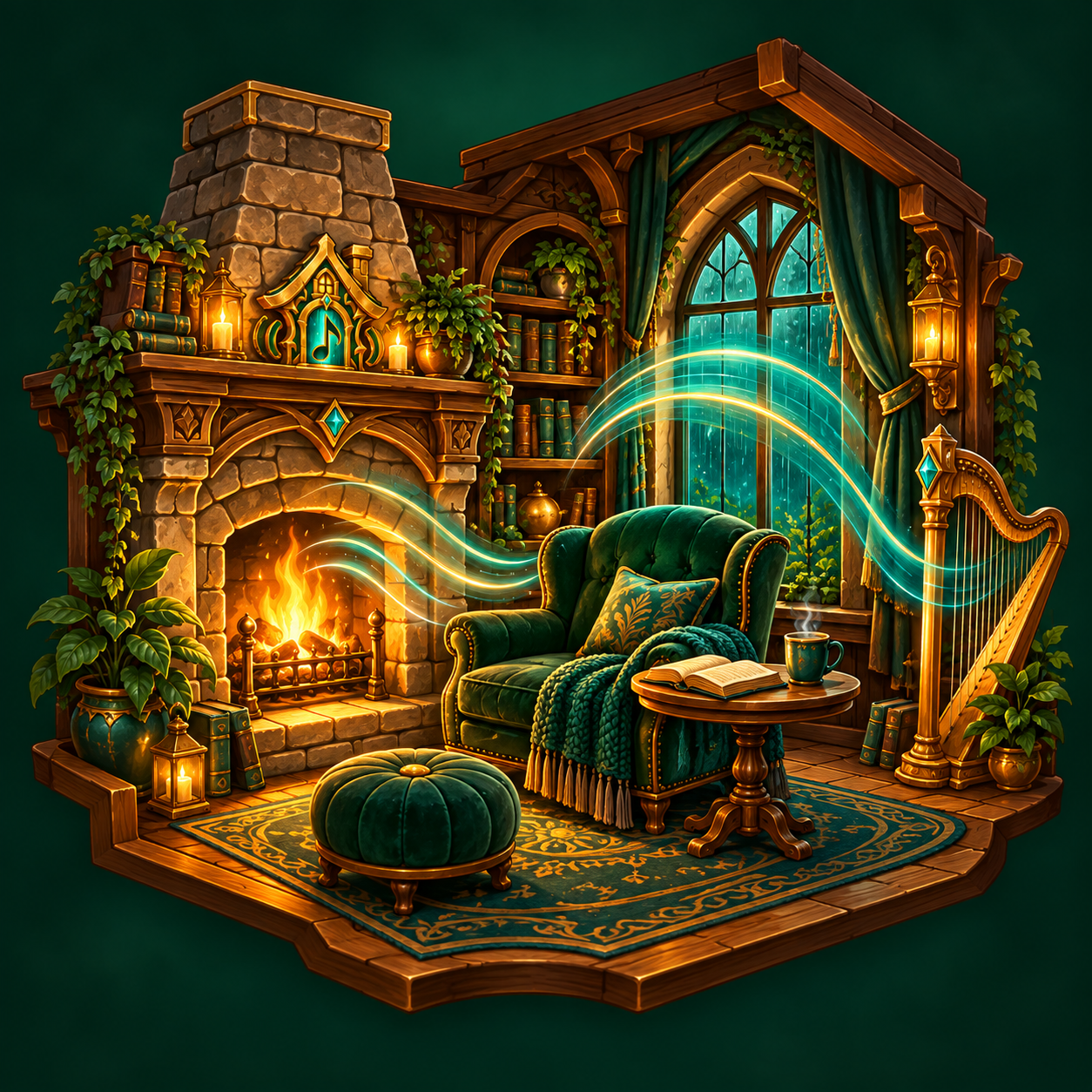
SMALL DETAILS. A DIFFERENT FEEL.
Place a sound where it belongs. Set how far it reaches, whether it loops, and how it plays alongside the room background.
Create your first sound zone →Choose a radius, preview the sound and save your zone.
YOUR FIRST VISIT?
DECOR SOUNDS ADDON 1.0.2
Choose native WoW sounds by FileDataID or SoundKit ID directly in the sound picker. Search existing sounds by ID, or enter an unlisted ID and preview it before assigning it to your home.
Includes the latest Blueprint sound badges and house-map improvements. Compatible with Studio 1.0.0.
Get addon 1.0.2THE COMMUNITY COLLECTION
Explore public builds made with CC0 sounds from Freesound and OpenGameArt. Settings travel through the cloud; audio stays on your computer.
Loading community houses…
A LITTLE HELP GOES A LONG WAY
Installation, backgrounds, zones, saved builds, cloud publishing and recovery—all in one illustrated manual.
Publish from local Studio → Cloud houses. New versions appear after their sound sources are checked. Private builds are visible only to you; unlisted builds are available to anyone with the link.
This service shares Decor Sounds house settings and supported CC0 source references from Freesound and OpenGameArt. It stores no audio. Studio downloads and prepares recordings on your computer. Other sources remain available for local use, subject to their licences.
By creating an account, you agree to share only material you have permission to share, keep your credentials private, and avoid illegal, misleading, infringing or abusive content. Names, descriptions and configurations remain yours; you permit this service to store and display them according to the visibility you select. Public builds appear in the directory. Anyone with an unlisted link can access it. Private builds require your account. Downloaded copies cannot be recalled.
Source checks record the licence reported on the supported source service; they cannot establish that an uploader owns every underlying right. Recordings may contain additional third-party rights. Review the source before using it. Freesound and OpenGameArt are independent services; their availability and content may change. This project is not affiliated with Blizzard, Freesound or OpenGameArt.
We store your email, display name, password hash, token hashes, house settings, source licence records, reports and moderation records. An essential session cookie keeps you signed in. Email delivery uses the configured mail provider. The hosting provider may retain operational access logs. Preview playback connects your browser directly to Freesound and discloses your IP address to that provider. There are no advertising or analytics integrations in this release.
You can export your account data and delete your account above. Expired access tokens and rate-limit records are removed automatically. The operator must publish its identity, hosting/mail providers, log and backup retention periods and applicable privacy rights before opening registration. Reports may be retained while a complaint is being handled. Contact the operator to exercise rights or report a concern.
Report disputed content from its house page or contact the site operator, identifying the build, the rights concerned and supporting details. The operator may restrict or remove content while reviewing a report. This service is provided without a guarantee of uninterrupted availability.
Discover recordings from the Freesound and OpenGameArt communities. Read the Freesound API terms and CC0 dedication.
NEW IN DECOR SOUNDS 0.7.10
Keep the tavern bustle downstairs and the bedroom peaceful above. New height controls let you shape each sound zone vertically while keeping its existing radius.
Find the perfect tavern melody, a familiar creature call or the gentle sound of rain. Browse over 255,000 named WoW audio references, preview them in-game and add your favourites to your Library.
Clearer labels help you explore. Listen without your other Decor Sounds playing over the preview, then give each favourite a name of your own.
Open Library → WoW sounds to explore. Studio expands your choices further with Freesound and OpenGameArt.
Get Decor Sounds →